This iso file , enables you to boot off the
Windows XP Bootable floppy disks and run the
Windows 2000 Registry Repair Tool , created with the help of
Jayroo’s
Instructions Below ( This is usually brought about by the system crashing or pulling the power early on the system before it has had time to properly shut-down )
Download and Burn the ISO to a Blank CD using a program such as
DVDDecrypter
1) Make sure your computer is set to boot off CD Rom , This should be default for new computers , if not enter the bios and follow these
guidelines
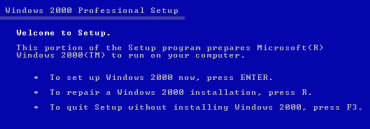
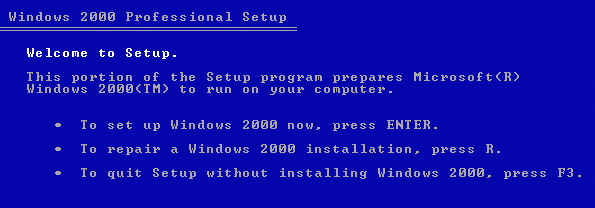
2) Once the computer successfully boots off the CD , a Blue Windows Setup Screen Should appear, Wait Until it has stopped and is on the screen above
3)Press the
R Key *
Not Enter*
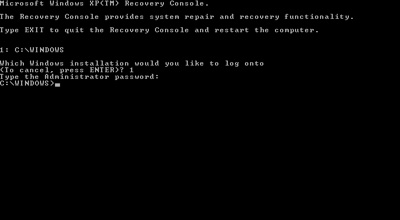
4) This will then take you to a black screen displayed below
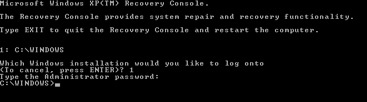
5) It should display your list of Windows Installations , By default your main Windows should be on 1 , so enter 1 and press enter and if needed enter the administrator password otherwise leave blank and press enter
6) Repairing should begin straight away , wait until it tells you it is ready to resart , remove the CD , and restart the computer which should boot into Windows

 Loading...