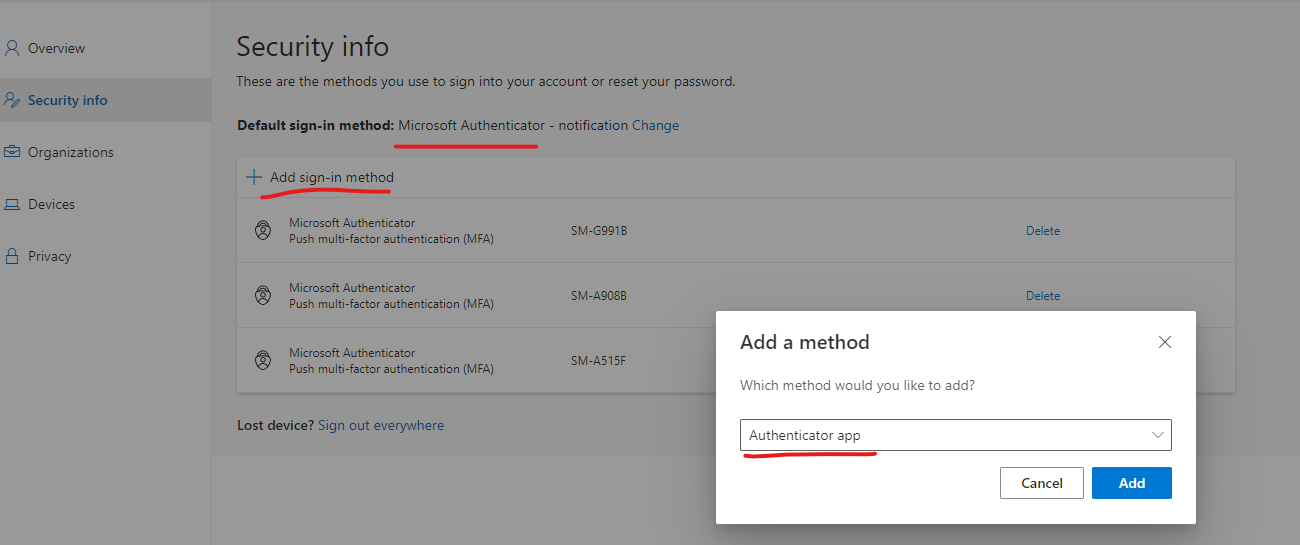
After the first user has gone through enrollment themselves ( Make sure they use App Based Authentication not SMS )
The second user with the second phone signs into My Sign-Ins | Security Info | Microsoft.com as the first user ( Gets the first user who enrolled before to Approve the 2fa )
They can then add their device via this method
You can have up to a maximum of 5 devices per account