Following the usual weekend update, several Kepion databases were automatically taken offline. Kepion itself remained available, which is why users could still access the site, however they were presented with a “no apps assigned” message because the applications were offline.
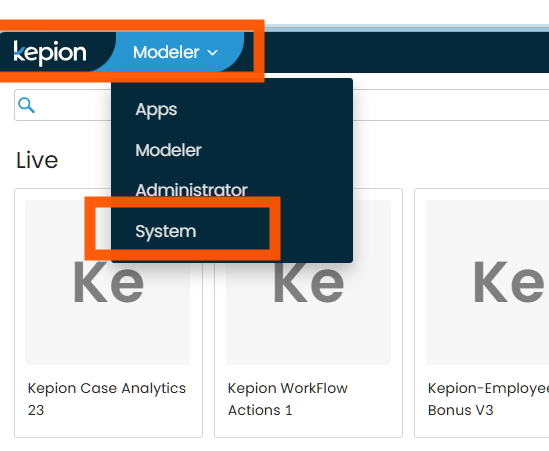
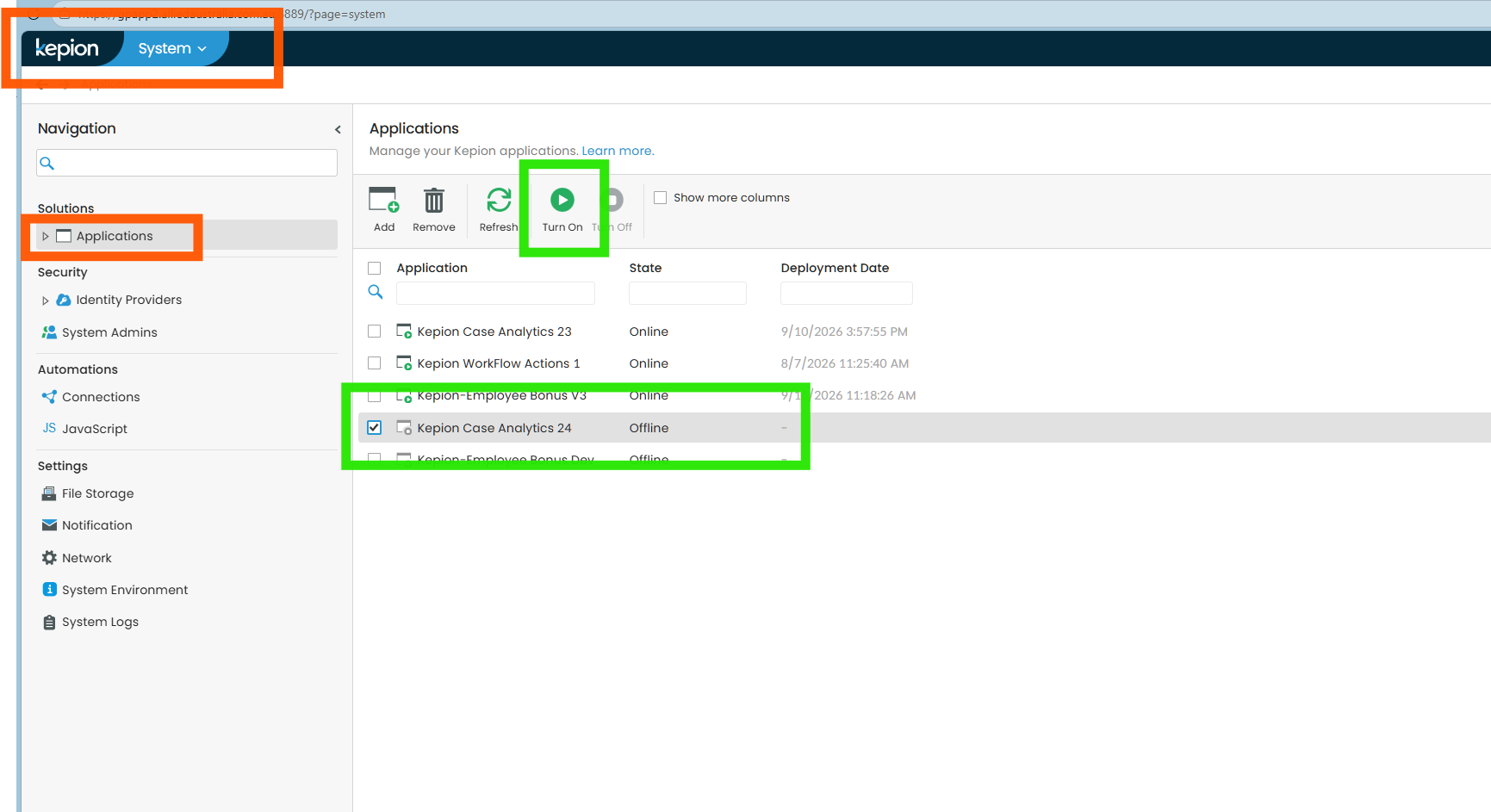
Bringing the applications back online is a straightforward process for anyone with Kepion System Admin access (see the list below). From the System > Applications screen, simply select the offline application and click Turn On.