IMPORTANT: Careful update any Ignite solutions, as this will revert changes to the internal monitors.
- Update the ScreenConnect Extension he
- Go to Administration and click “Check for Updates”
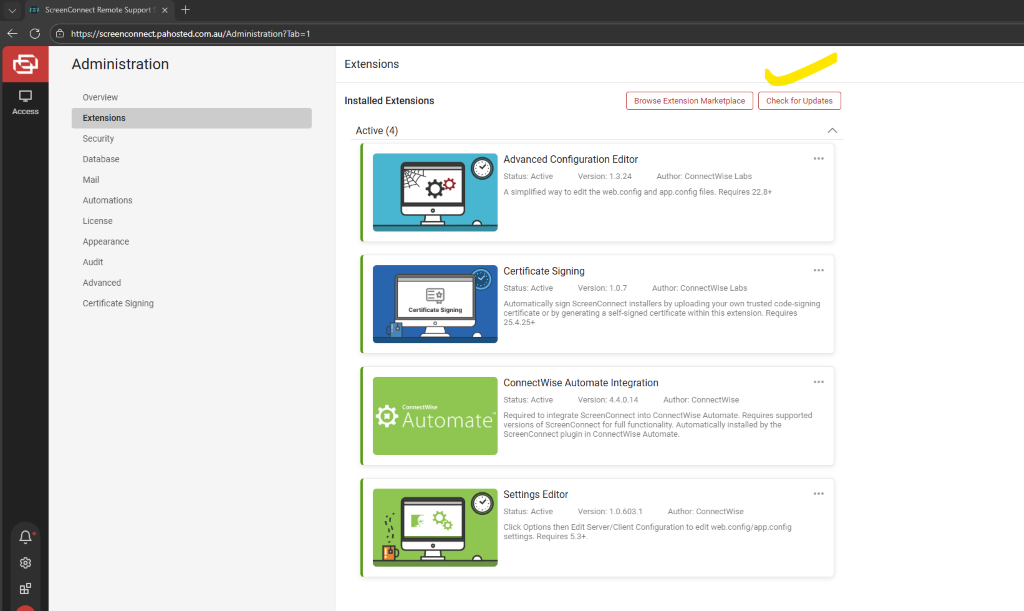
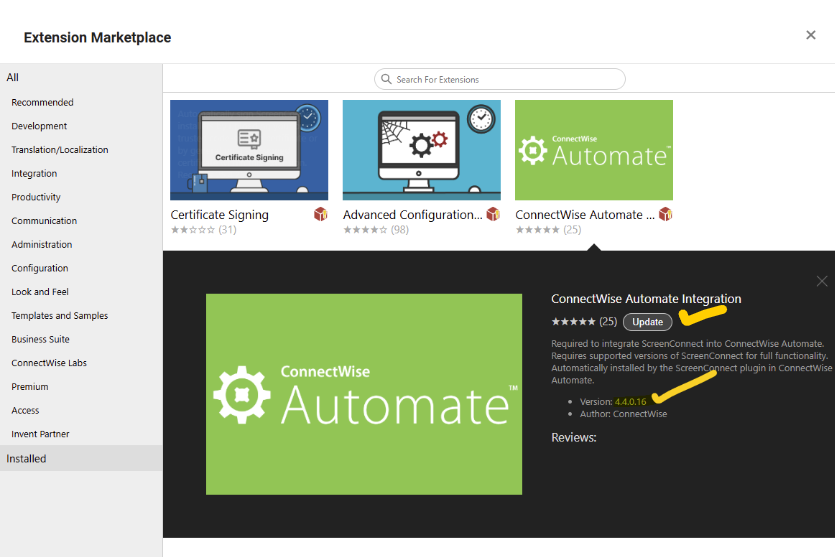
- Verify the new version and click “update”
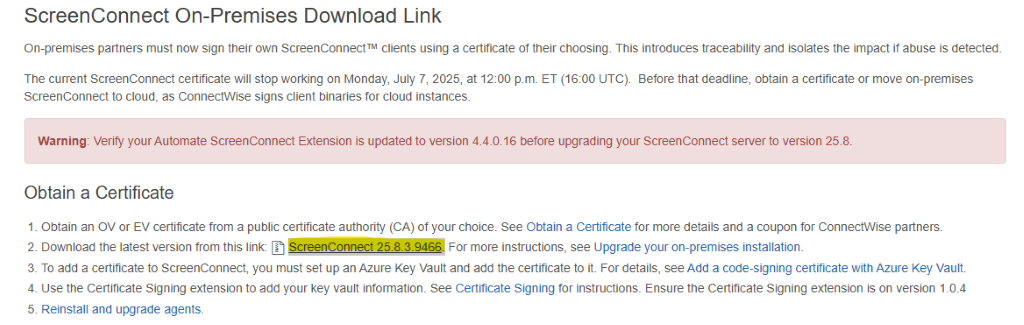
- Access this page Automate Product Updates
- Download and install the installer
- Click “OK”
- Open the control panel to check if the latest version has been installed.