Minimum TLS 1.2 https://developers.cloudflare.com/ssl/edge-certificates/additional-options/minimum-tls/
Enable CSAM Scanning Tool
Enable HSTS
Set Up Always Online
Enable HTTPS Enforcement
Enable DNSSEC for Record Integrity
Turn On HTTP/3 (QUIC) Support
Set Security Level to Medium
Implement Rate Limiting
Enabled HSTS
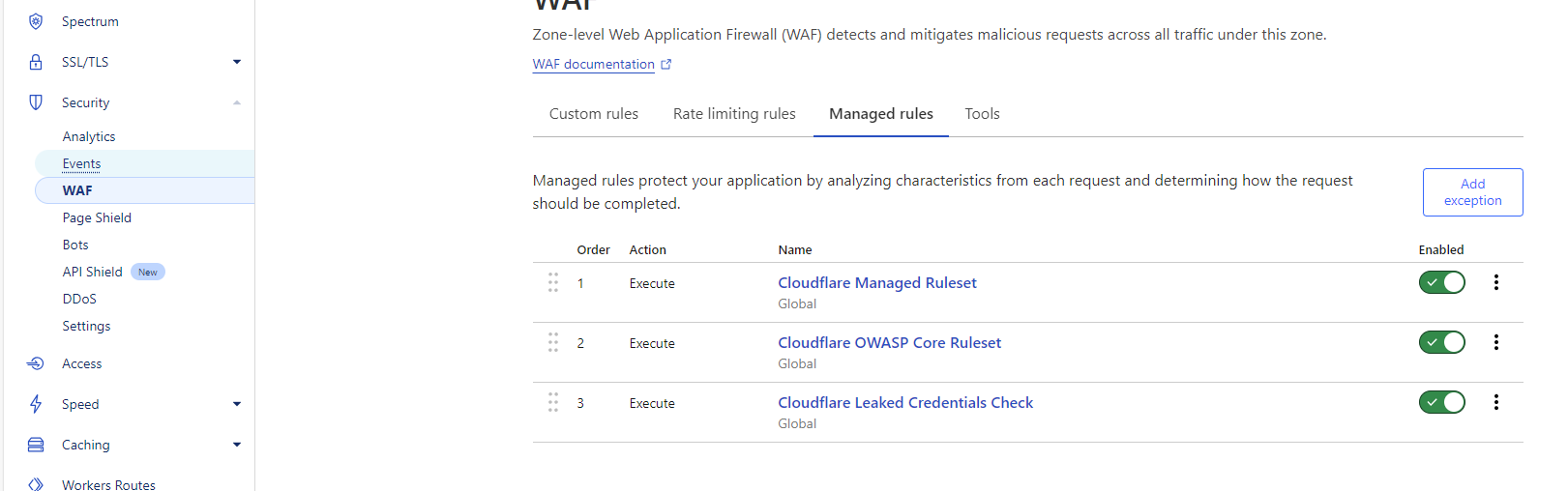
Block traffic from the Tor network
- Go to the Cloudflare dashboard.
- Expand the Security section.
- Select WAF.
- Select Create rule.
- For Rule name, enter a relevant name.
- For If incoming requests match, for Field, select Continent.
- For Operator, select equals.
- For Value, select Tor.
- For Then take action, select Block.
- For Place at, select First.
- Select Deploy.

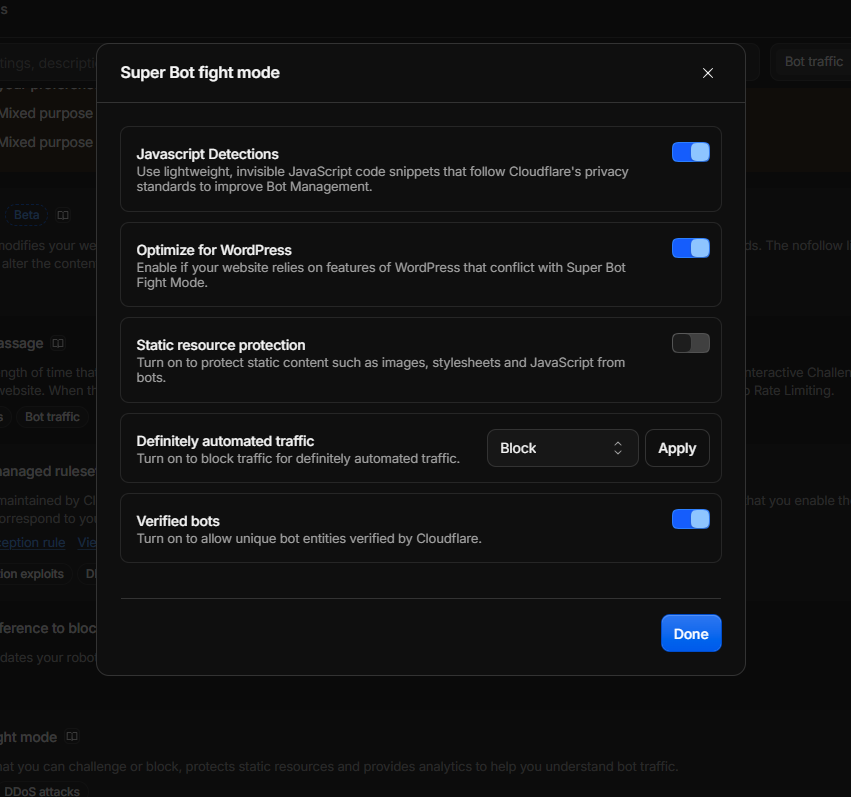
Bot protection
- Go to the Cloudflare dashboard.
- Expand the Security section.
- Under Configure Super Bot Fight Mode, for Definitely automated, select Block.
- For Likely automated, select Managed Challenge.
- For Verified bots, select Allow.