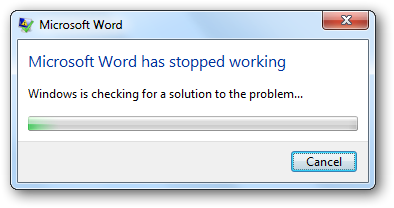
 Upon opening a document with Word , Winword crashes straight away.
I tried the main fixes of resetting the Normal.dot + normal.dotm files and opened the Winword in safe mode ( Winword /a). But the problem still continued. After further investigation usp10.dll was the DLL causing the issue , and some online research it stated Helvettica Font was to blame. I removed the problem font from C:\Windows\Fonts and Word opened straight away. It looks like this problem also exists in Outlook
Microsofts Post on the Problem : http://support.microsoft.com/kb/2119612

 Loading...