Upon Windows Startup , the following error is displayed :
“
Spoolsv.exe - Application Error"
“
The instruction at "0x77fcc2c0" referenced memory at "0x00000000".
“
The memory could not be written."
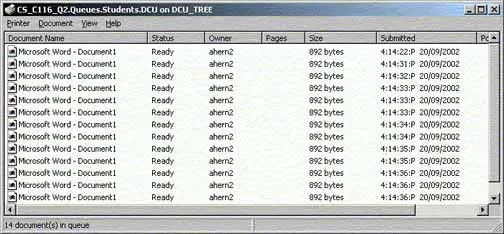
This is due to bad print jobs in the printer queue
- Open Control Panel, select Performance and Maintenance, select Administrative Tools and then select the Services option.
- In the Services management console, locate the Printer Spooler services, right-click on it and select Stop.
- Next, open the C:\Windows\System32\Spool\Printers folder. (Here, we are assuming that your Windows is installed in the default C:\Windows folder)
- Delete all the .SHD and SPL files from this folder.
- Finally, restart the Spooler service from the Services management console.
 Upon Windows Startup , the following error is displayed :
“
Upon Windows Startup , the following error is displayed :
“
 (1 votes, average: 4.00 out of 5)
 Loading...