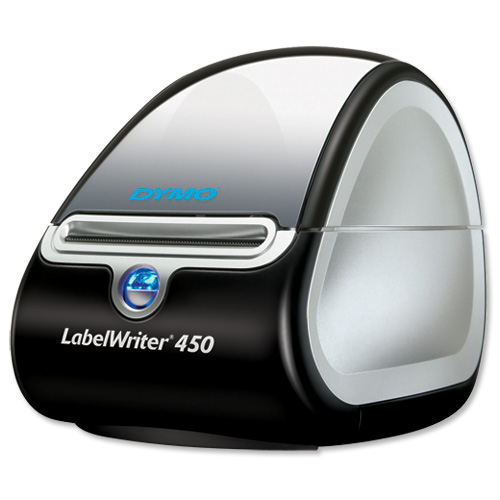
 I had a Dymo 400 Label Machine which was working fine on a Windows 2008 Terminal server using the 7.8 Software. A Dymo Label 450 Turbo label machine was purchased which needed installing on the same terminal server.
7.8 Version of the software does require an update for it to work with a 450 Turbo Printer which is here
After installing the version 8.3 software on the server , upon launching the program the following message was displayed “DYMO Label Software has stopped working”
To install the 8.3 software on a 2008 Terminal Server you need 3.5 .Net Framework instructions here . After installing this the program ran fine.
I had a Dymo 400 Label Machine which was working fine on a Windows 2008 Terminal server using the 7.8 Software. A Dymo Label 450 Turbo label machine was purchased which needed installing on the same terminal server.
7.8 Version of the software does require an update for it to work with a 450 Turbo Printer which is here
After installing the version 8.3 software on the server , upon launching the program the following message was displayed “DYMO Label Software has stopped working”
To install the 8.3 software on a 2008 Terminal Server you need 3.5 .Net Framework instructions here . After installing this the program ran fine.
DYMO Label Software has stopped working
I had a Dymo 400 Label Machine which was working fine on a Windows 2008 Terminal server using the 7.8 Software. A Dymo Label 450 Turbo label machine was purchased which needed installing on the same terminal server.
7.8 Version of the software does require an update for it to work with a 450 Turbo Printer which is here
After installing the version 8.3 software on the server , upon launching the program the following message was displayed “DYMO Label Software has stopped working”
To install the 8.3 software on a 2008 Terminal Server you need 3.5 .Net Framework instructions here . After installing this the program ran fine.
 (No Ratings Yet)
 Loading...